Self-Service Setup
Step-by-step visual guides covering initial device charging, UI navigation, micro-SD card setup, and feature activation without requiring technical knowledge.
.png)
Download comprehensive operating manuals, quick setup instructions, and safety compliance datasheets for retail buyers and end consumers.
Enterprise Product Support
Providing end users with clear, intuitive instructions reduces return rates and customer service inquiries. Playzoom provides full digital documentation, bilingual quick-start sheets, and compliance verification packs across our full range of certified children's technology products.
Step-by-step visual guides covering initial device charging, UI navigation, micro-SD card setup, and feature activation without requiring technical knowledge.
Standardized user manuals published in English and Spanish, with custom localization and translation services available for international retail partners.
Includes safety warnings, battery handling guidelines, cleaning protocols, and laboratory test disclosures compliant with ASTM F963, CPSIA, and EN71 standards.
Product Documentation Catalog
Select your Playzoom device model below to access official documentation, user guides, and troubleshooting steps.

Complete instructions for touchscreen interface, camera operation, voice recorder, pedometer tracking, and pre-loaded offline learning games.
Full user guide detailing micro-USB charging routines, battery safety protocols, and screen navigation for ages 6+.

Setup guide covering HD photo/video capture, digital photo filters, micro-SD card installation, and USB file transfer to Mac/PC.
Includes troubleshooting for memory card formatting, battery indicator signals, and protective casing maintenance.

Operating manual for front-and-rear camera switching, selfie mode filters, video recording settings, and built-in interactive mini-games.
Comprehensive technical sheet detailing dual sensor specifications, screen standby timers, and drop-resistant housing instructions.
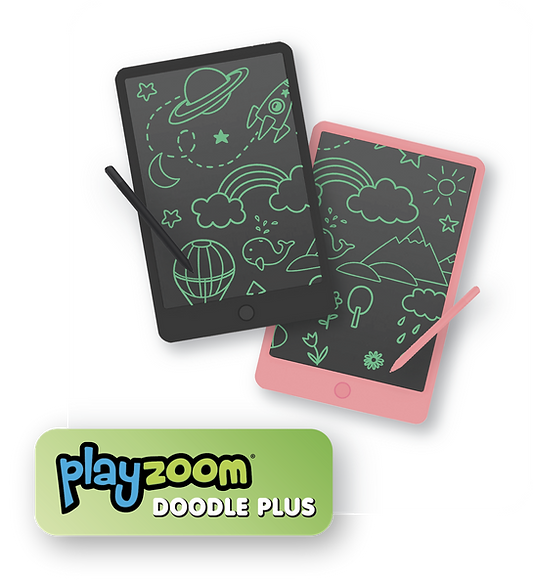
User instructions for pressure-sensitive drawing, screen lock switch operation, battery compartment safety, and stylus care.
Explains screen clearing mechanics, coin-cell battery replacement safety locks, and screen protection guidelines for young children.
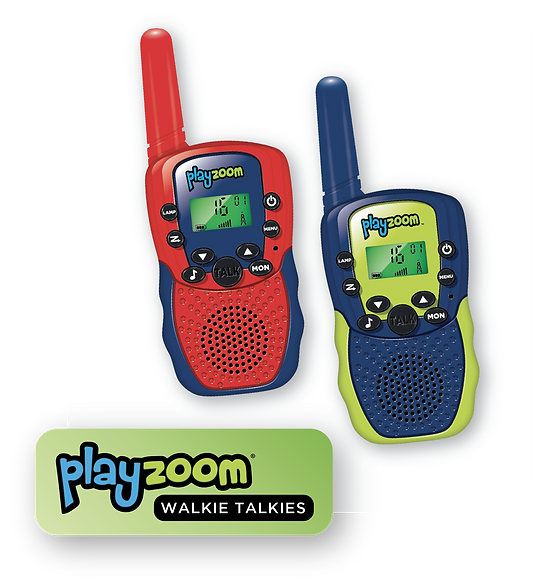
Instruction guide for push-to-talk button activation, channel selection, volume limiting features, and outdoor range optimization.
Details wireless frequency channel mapping, belt clip installation, and battery power management for outdoor activities.
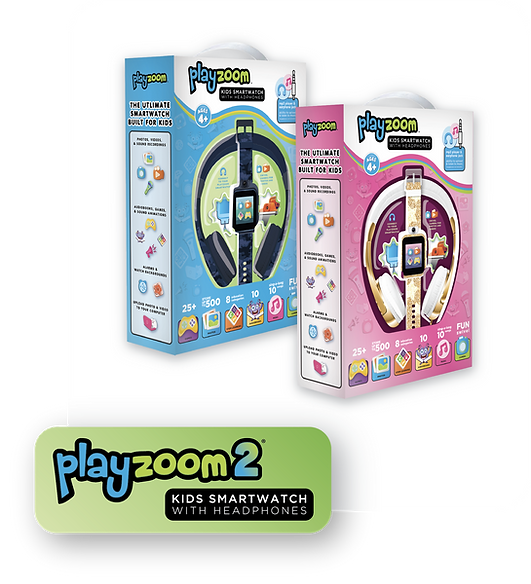
User documentation for Bluetooth pairing, 85dB volume-limiting safety controls, audio cable backup operation, and foldable storage.
Guides parents and educators on hearing health protection, headband adjustment, and USB charging indicator lights.
Quality & Regulatory Compliance
Playzoom products undergo rigorous testing by accredited third-party laboratories. We supply retail buyers and distributors with full compliance documentation required for North American and European markets.
Full compliance packs including ASTM F963 physical and mechanical hazard assessments, CPSIA lead and phthalate testing certificates, and FCC Part 15 radio frequency registration for all electronic wearables and walkie talkies.
Documentation covering EN71 mechanical and chemical testing, EN62115 electric toy safety certification, CE compliance marks, RoHS hazardous substance restrictions, and REACH chemical safety declarations.
Lithium-ion polymer battery cell safety testing reports (UN38.3, MSDS) validating safe international air cargo and sea freight logistics consolidation for volume buyers.
Every user manual and product gift box includes traceable batch control codes corresponding to locked factory golden samples, ensuring seamless QC audit tracking and warranty claim verification.
Technical FAQ
Digital PDF copies of all operating guides, quick-start setup inserts, and technical compliance sheets can be requested directly from your Playzoom account manager or downloaded via our self-service support portal.
Yes. All Playzoom smartwatches, SnapCam cameras, and LCD tablets function offline out of the box. Devices do not require app registration, mobile subscriptions, or internet connectivity to play.
Yes. We offer customized manual artwork, multi-language translation inserts, custom packaging layout design, and retailer-specific barcode placement for qualified OEM and distribution partners.
SnapCam digital cameras support micro-SD cards up to 32GB formatted to FAT32. Detailed step-by-step formatting instructions are included in the official SnapCam operating manual.
Our dedicated engineering and compliance team assists international buyers, channel distributors, and retail partners with customized technical documentation, lab safety certificates, and product setup support.
Contact Us